The Tools panel
One panel at the right of every page: Blocks, Chat, Lift Analysis, Studio, Theme and more.
ToolsNavigation1 min read
Tools keeps everything you reach for beside the page you're on, so you never lose your place.
Open it
Click Tools at the top right of any page. Click it again, or the panel's ×, to close it.
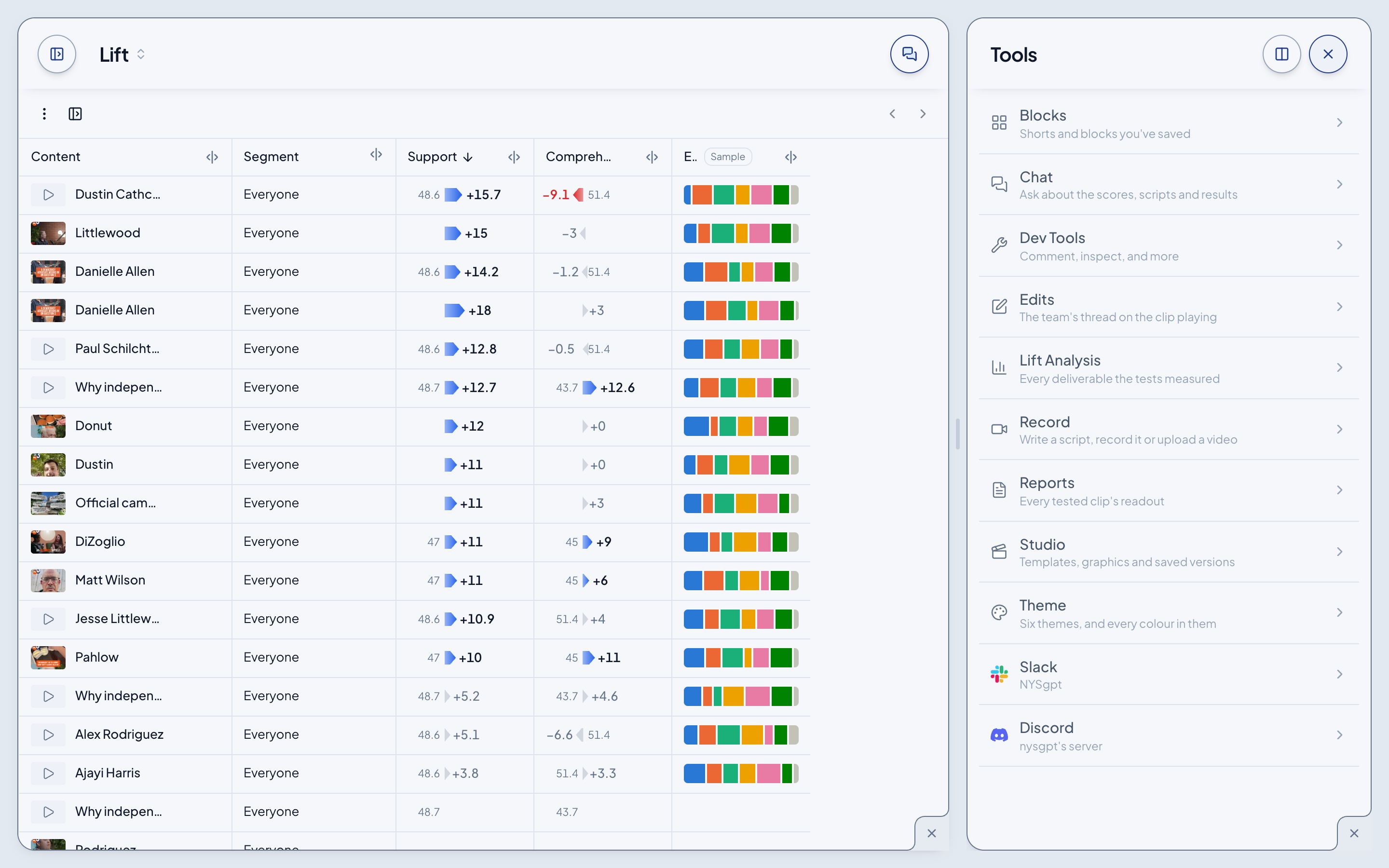
What's inside
| Tool | What it's for |
|---|---|
| Blocks | The shorts and blocks you've saved. See Blocks. |
| Chat | Ask me about the page you're on. See Ask PAX in Chat. |
| Dev Tools | Staff: comments, the inspector and sonar. See Dev Tools. |
| Edits | The team's thread on the clip playing in Clips. |
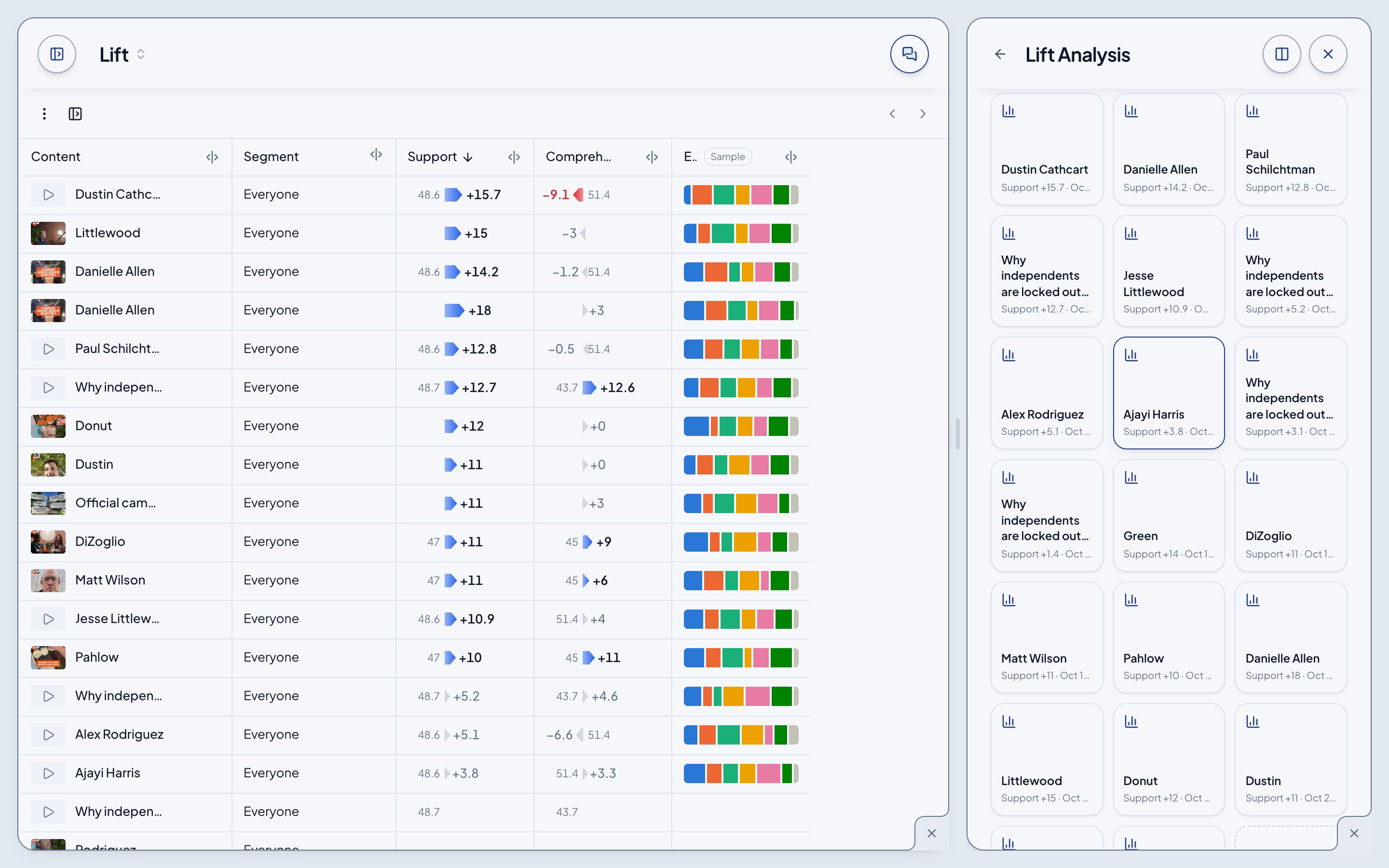
| Lift Analysis | A card for every deliverable the tests measured. Click one to open its analysis. |
| Record | Write a script, record it, or upload a video. |
| Reports | Every tested clip's readout. |
| Studio | Staff: the video templates and their versions. See Studio. |
| Theme | Six themes, and every colour in them. See Themes. |
| Slack, Discord | Staff: the connected workspaces. |
Move around inside it
Each tool opens a level down. The arrow before the panel's title climbs back up, one level at a time, all the way to the list.
Make it wider
The button beside the × widens the panel to half the screen, and narrows it again.