Clips
Every partner's videos in one library, with the team's notes and each one's measured lift beside it.
Clips puts every partner's videos in one library, each with its team thread and, where it's been tested, its measured lift. Choose what to run from evidence instead of memory.
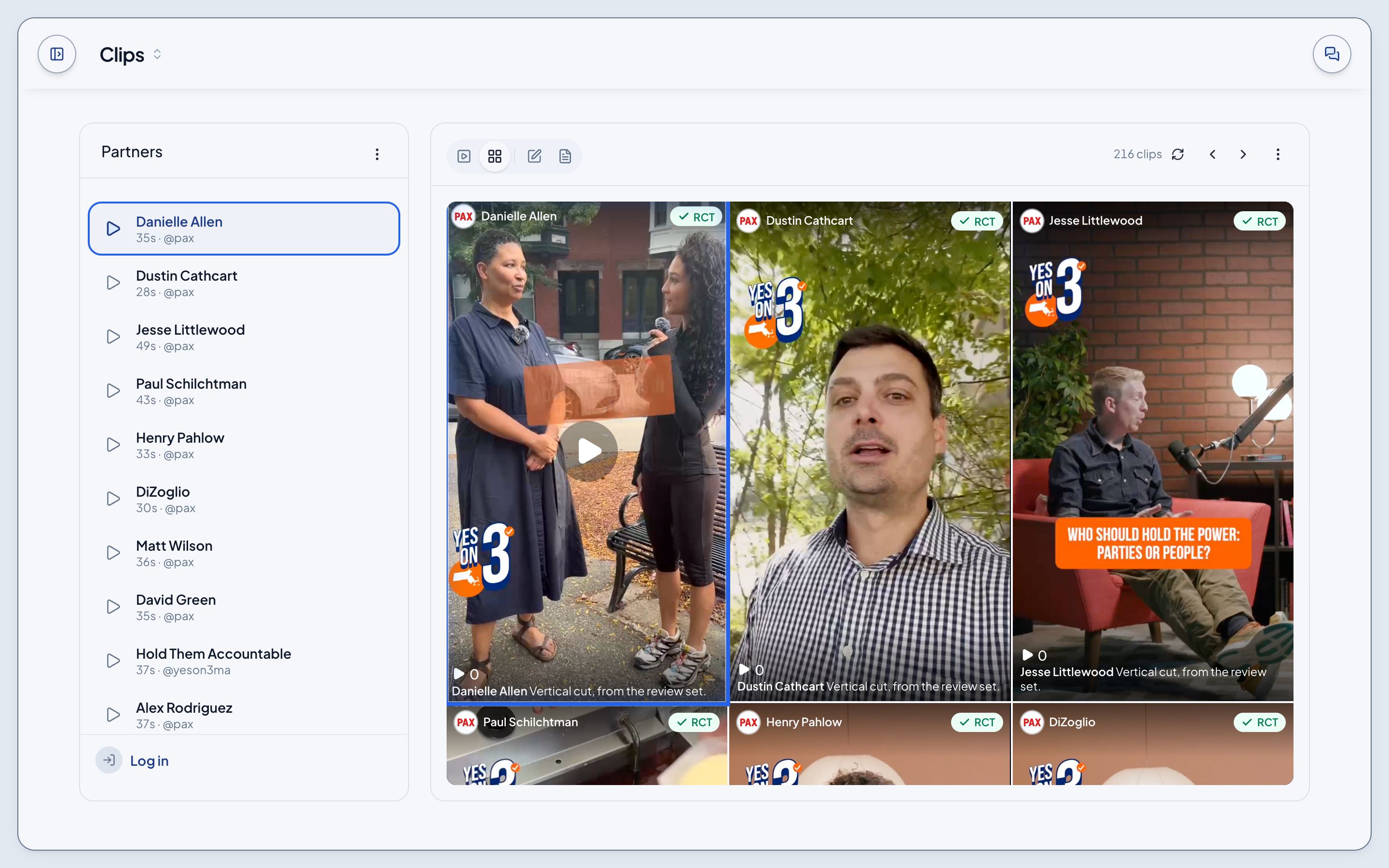
Browse
- The clips play in a column of tiles; the clip you pick wears a blue outline.
- The Partners menu narrows the library to one desk: PAX, Voter Freedom, Unite America or Yes on 3. Bookmarks keeps the clips you've saved.
Edits and Reports
The clips' menu opens two views in the Tools panel, and both follow the clip that's playing:
- Edits: the team's thread on the clip. Leave a note, reply, or like a note.
- Reports: every tested clip as a tile. Pick one, or play a tested clip, to read its result.
The RCT badge
A green check and RCT mean the clip ran as an arm in a randomized controlled test and its result is on file. Its report reads each measure's lift against that wave's own placebo, grey where the test was inconclusive, and each opens its cell in Lift. It also names the arm's respondents, the study and the clip's Resonance.
A clip without the badge hasn't been tested.
Record a clip
Signed in, record a clip: up to 60 seconds, then a review, a title and a visibility, private by default or public to everyone in the library. A kept recording comes back in Your library.
Not built yet
- Deleting or republishing a kept recording.
- Sending a clip to a test from Clips. A test's arms are picked on its setup page.
- Likes, notes and saves are kept only in the browser that made them.