Studio
Every video template, every graphic, and every version you've made, in one place to play and check.
StaffStudioVideo1 min read
Studio is where the video templates live. It holds the templates themselves, the Enhance flow's graphics, and every version anyone has made in Chat.
Open it
- From the sidebar: Admin > Studio, full width.
- From Tools > Studio, beside the page you're on.
- From a video in Chat: Open in Studio opens that version.
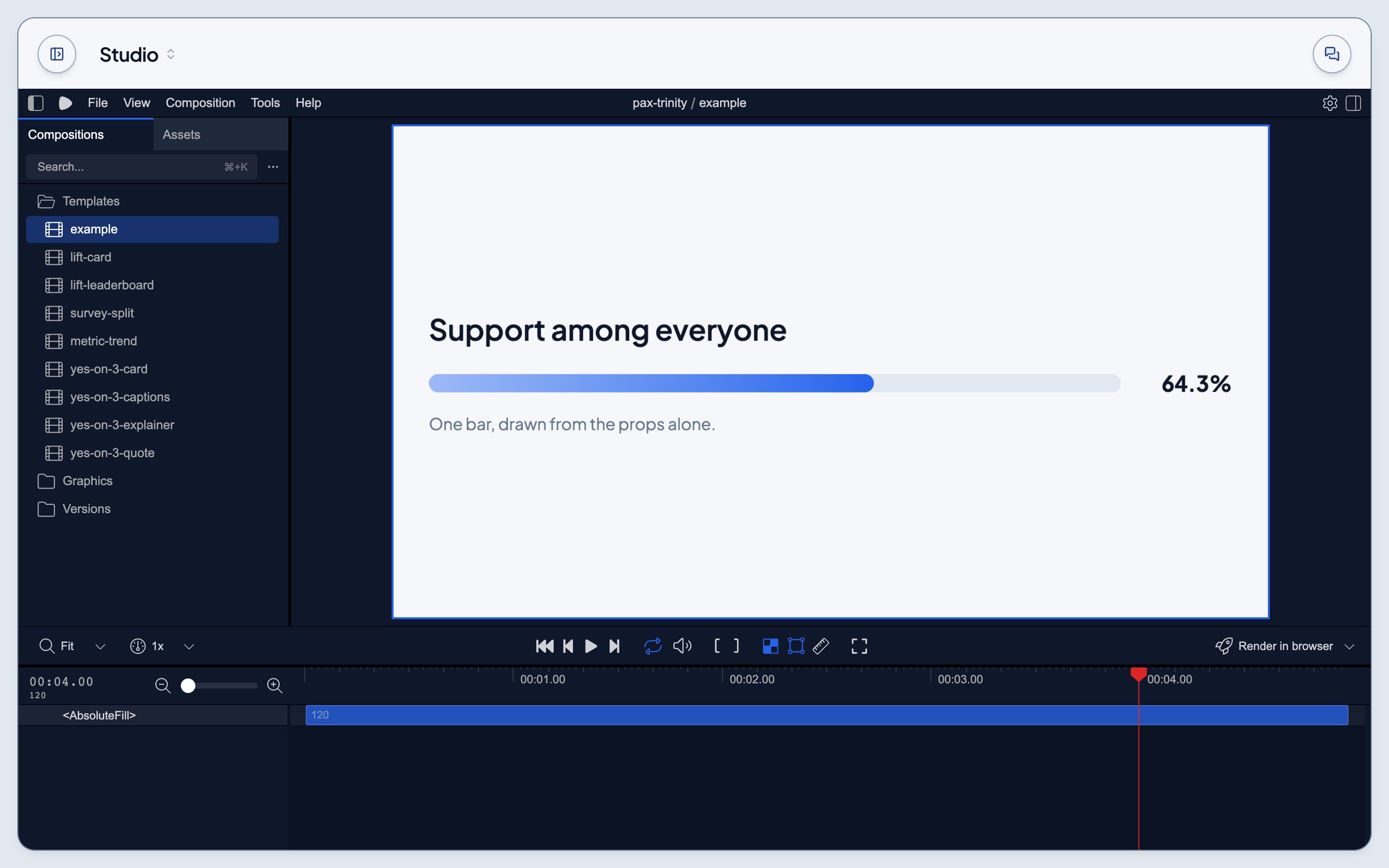
Find a template or a version
The list on the left holds every composition: the five templates, then the versions made from each (v-lift-card-1, v-lift-card-2, and so on). Click one to open it.
Play and check it
The canvas plays the composition. Scrub the timeline to check any frame, and read the props it was made from on the right: the same data Chat filled in.
Make a new one
Versions are made in Chat. Ask for a video, or for a change to one, and the new version appears in Studio's list. See Make videos from templates in Chat.