Ask PAX in Chat
Ask in plain words, from any page. I answer from the record, and say so when a number isn't on file.
ChatAI1 min read
Ask me in plain words. I answer from the record of scored takes, the scripts, the shorts on file and the metric definitions, and I say so when a number isn't on file instead of making one up.
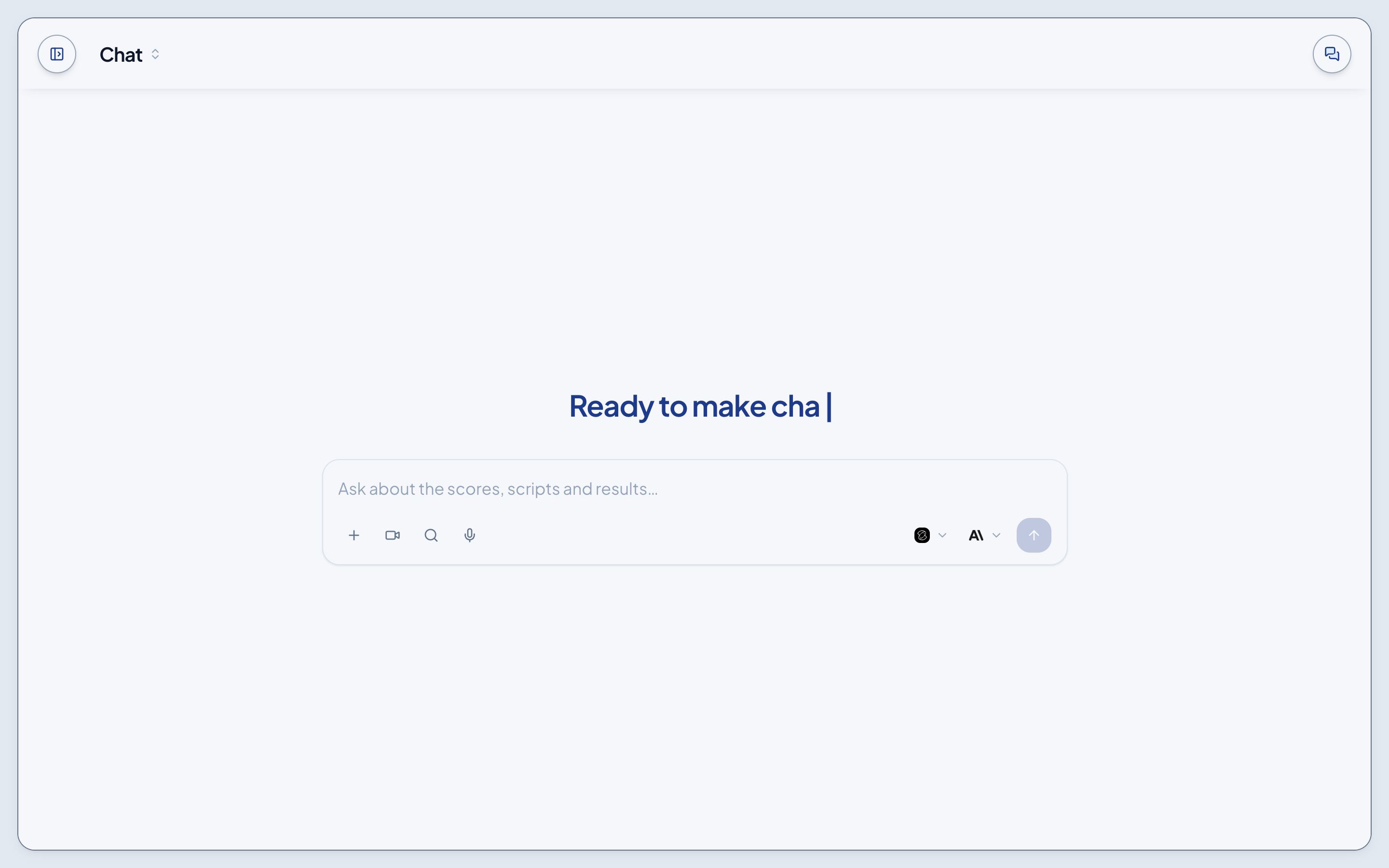
Ask from anywhere
- Open Chat from the sidebar for a full page.
- Open Tools > Chat to ask beside whatever page you're on.
- On any block, ⋮ > Ask PAX opens Chat with that block as context, so "what does this mean?" just works.
The + menu
- Skills set how I work for the rest of the chat: Script doctor, Read a test, Pick the audience, Draft a survey question and Brief a partner. A skill rides the chat as a chip in the box.
- Onboarding holds twenty questions that teach each page and the loop.
- Scripts: pick a script to make your own.
- Videos and Shorts: pick one to ask how it performed.
- Voices: hear a studio voice read a line, or have a script written for it.
- Generate video: a script's shots, or one b-roll shot.
- Graphics: the cards drawn from a script.
- Attach: a PDF up to 3.5 MB, read with your question.
Around the box
- The camera starts record mode. See Record a video.
- The model picker chooses which model answers. Sonnet 4.6 is the default, and Models has a card for each.
- Each chat is saved and listed under Chats in the sidebar.