Two pages side by side
Open any page in a second panel, so you can compare without losing your place.
NavigationTools1 min read
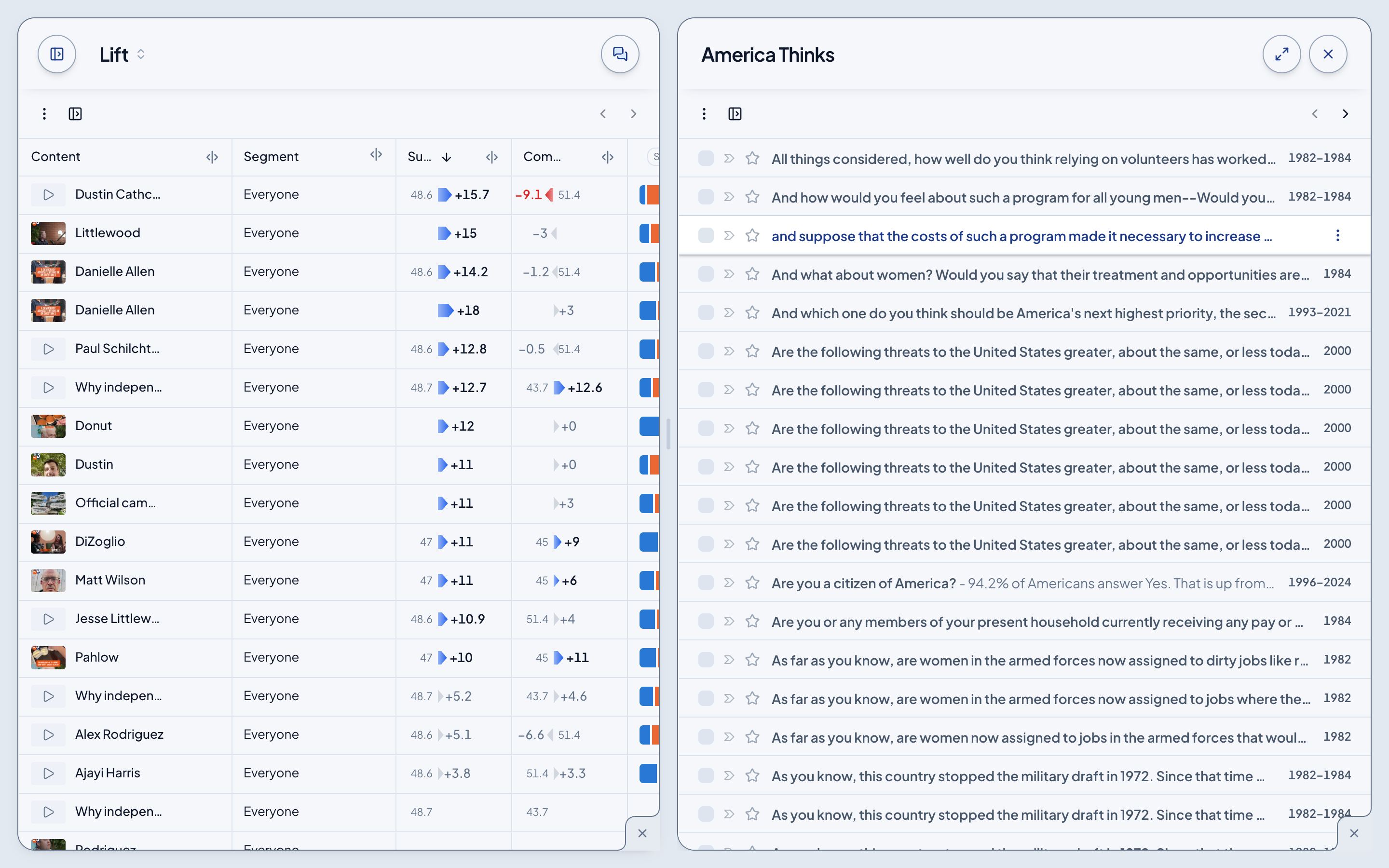
Comparing a result with what voters already think shouldn't mean flipping back and forth. Open the second page beside the first.
Open a page beside this one
- In the sidebar, hover a page and click its arrow.
- In a page's own sidebar (Lift, Survey, America Thinks), hover a row and click its arrow.
- Or open a row's ⋮ and choose Open in panel.
The second panel opens at half the width. Drag the line between the two to resize them.
Close it
The × at the panel's corner closes it. Your address keeps the second panel, so a reload brings it back.