Settings
Your profile, the workspace, members, permissions, notifications and integrations.
SettingsAccounts1 min read
The account menu opens Settings at the tab you pick: Profile and Notifications directly, Members and Permissions under Account, General and Integrations under Settings.
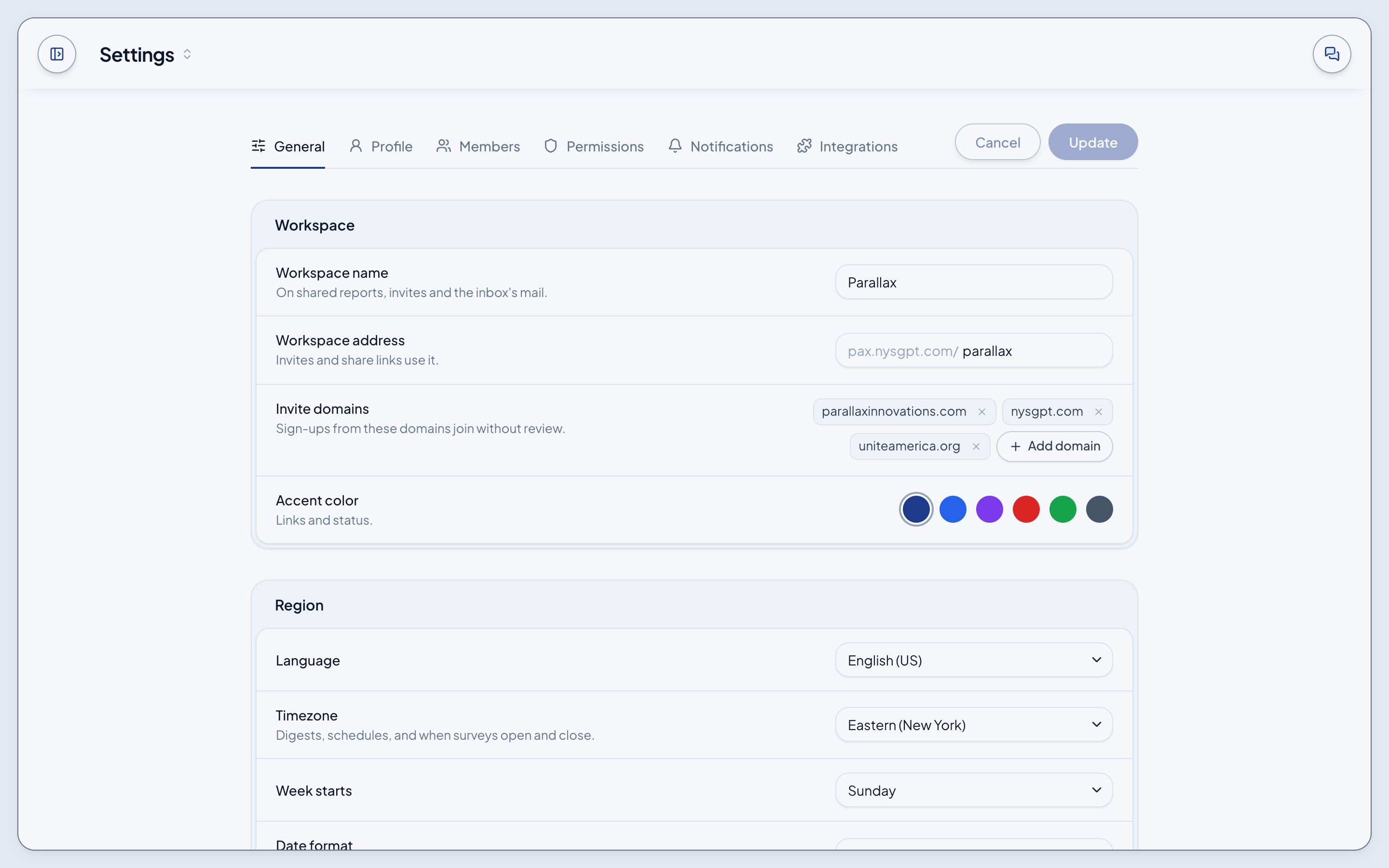
- General: the workspace's name, address, invite domains and accent colour; region and date format; editing preferences.
- Profile: your photo, name, email, phone and username; your public profile; where sign-in lands.
- Members: invite defaults, and the roster with search, a status filter, sorting, role changes and Invite member.
- Permissions: each capability against Super admin, Admin, Staff and Partner; security; approvals.
- Notifications: digests, channels and alerts.
- Integrations: the connected tools, storage and sign-in, and sync defaults.
Cancel and Update wake once you change something.
Not built yet
Settings don't save yet: a change lasts until you leave the page, and Invite member sends no mail.