Answer a consensus survey
Agree, disagree or pass on short statements, then see where people agree.
The loudest voice in the room is rarely its majority. A consensus survey asks people to agree, disagree or pass on short statements, one at a time. I find the opinion groups in the votes, so you see where a coalition already agrees, and where it splits, before you take a position.
Answer the questions
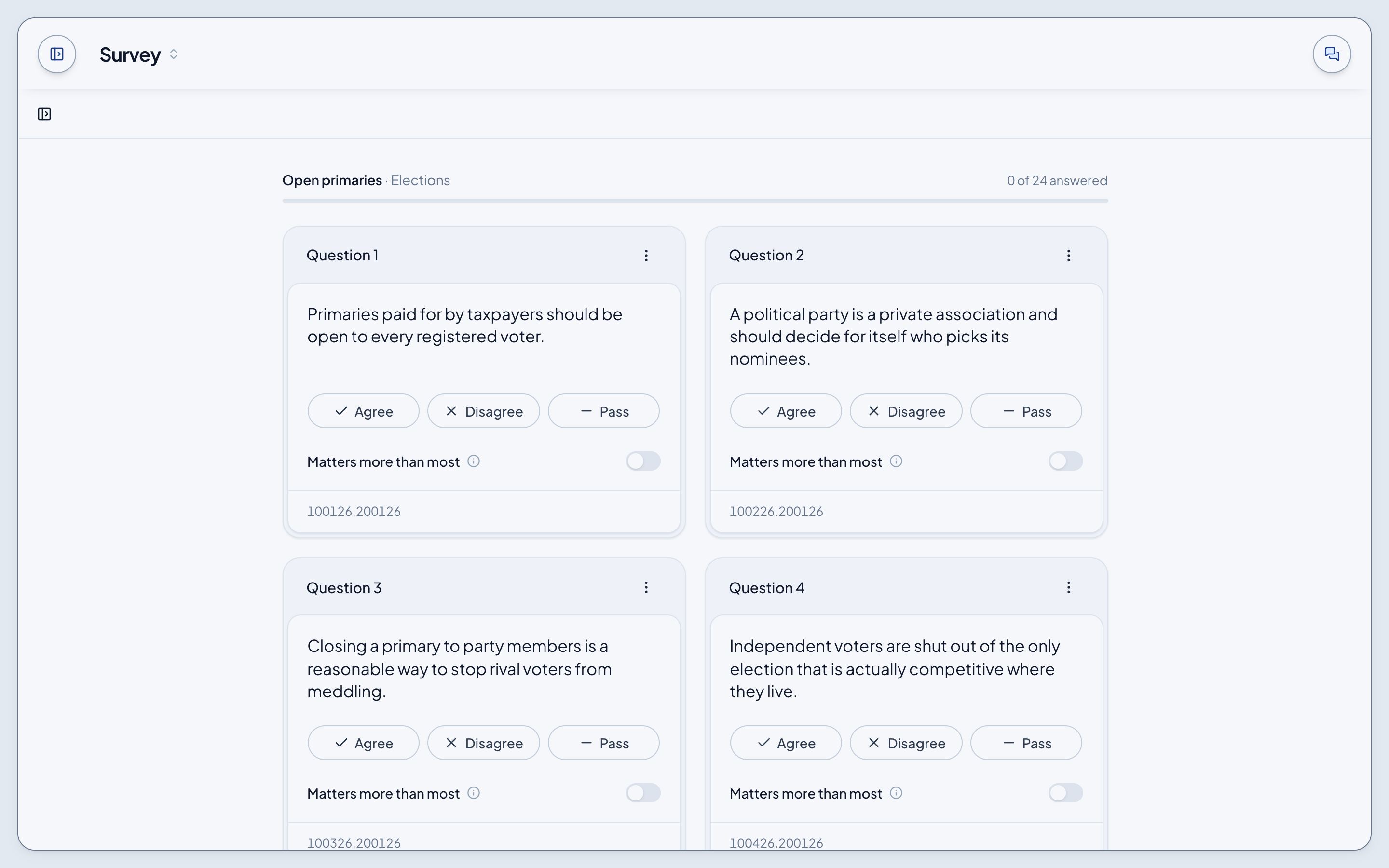
- Open Survey and choose Questions, or open the survey's card under Surveys, which takes you to the survey on its own page. Its card at the top says who fields it and what it's for; Begin takes you to Question 1.
- Each card is one statement. Pick Agree, Disagree or Pass.
- The card holds a moment so you see your pick, then leaves, and every card after it moves up a place.
Answer in any order. The blue outline marks the next question you haven't answered, and the bar at the top counts your progress.
Mark what matters
Under a statement's answers, mark it as important to you. It's a second signal, separate from your answer.
Add a statement
Add a statement of your own sits under the cards the whole time. Write one stand-alone idea in your own words, up to 140 characters. It waits for moderation before others see it.
See the results
When the last card leaves, your results open. Signed in, a card at the top sums up where you stood with the room, and under it every question, with those every opinion group agrees on first and, within each, the ones where you stood with the room. Signed out, the results are the questions consensus emerged on, each with your own answer beside the room's. See How consensus is decided.